

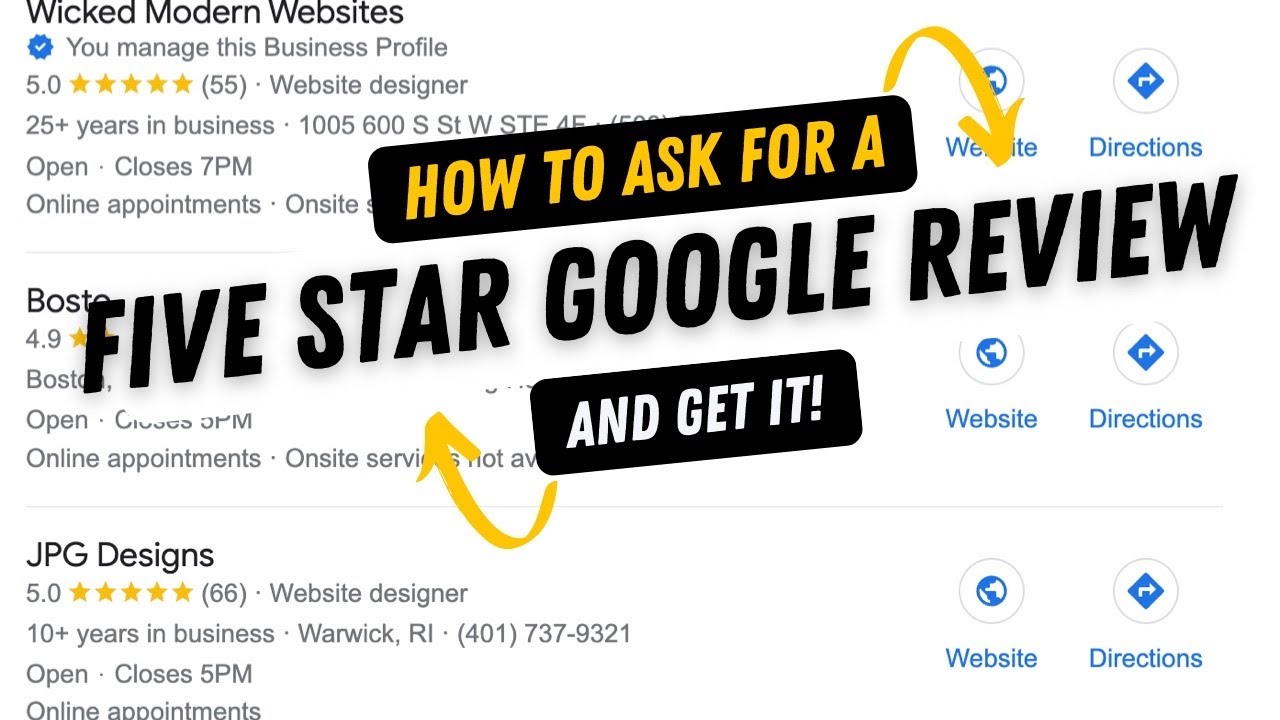

Local SEO for Service Businesses: How to Get More Calls and Leads

Local SEO for Service Businesses: How to Get More Calls and Leads

Reading Time: 2 minutes

Local SEO for Service Businesses: How to Get More Calls and Leads

If you run a service-based business, your customers are searching for you locally—even if you do not realize it.

The question is: are they finding you, or your competitors?

Local SEO is what determines that.

It is not about getting more traffic. It is about getting the right traffic—people ready to take action.


What Makes Local SEO Different?

Unlike traditional SEO, local SEO focuses on location-based searches.

Examples:

  • “plumber near me”
  • “website designer in [city]”
  • “best HVAC service nearby”

These searches have high intent. People searching locally are often ready to buy.


Optimize Your Google Business Profile

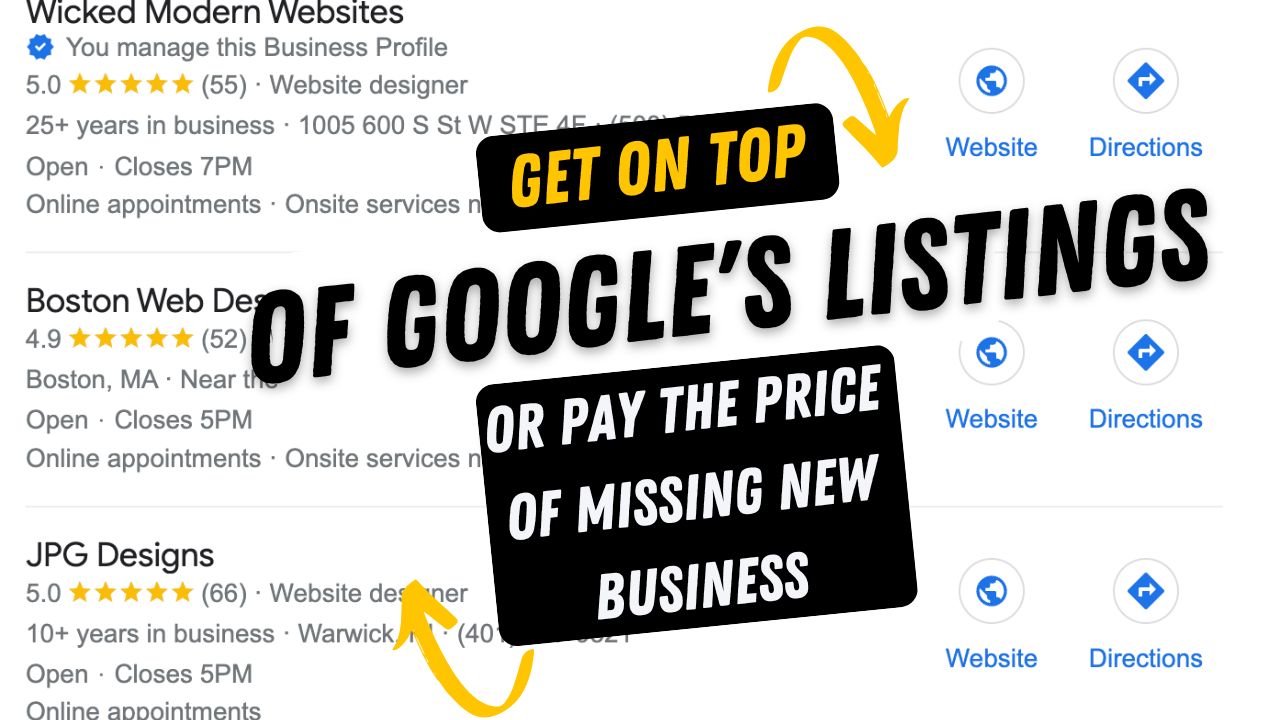
Your Google Business Profile is one of the most powerful tools for local visibility.

Make sure it includes:

  • Accurate business name
  • Correct address and service area
  • Updated phone number
  • Business hours
  • High-quality images

Also, regularly post updates and respond to reviews.


Target the Right Local Keywords

You need to match how your customers actually search.

Use keywords like:

  • Service + city
  • Service + “near me”
  • Service + area

Avoid generic keywords that don’t bring local traffic.


Create Location-Focused Pages

If you serve multiple areas, create dedicated pages for each location.

Each page should:

  • Target a specific city
  • Include localized content
  • Provide relevant service details

This increases your chances of ranking in multiple locations.


Build Consistent Business Listings

Your business information should be consistent across the web.

That includes:

  • Name
  • Address
  • Phone number

Inconsistent listings confuse search engines and hurt rankings.


Get More Customer Reviews

Reviews are one of the biggest local ranking factors.

Encourage satisfied customers to leave reviews.

Also:

  • Respond to every review
  • Stay professional
  • Address negative feedback calmly

Reviews build trust and improve visibility.


Optimize Your Website for Local SEO

Your website should support your local efforts.

Make sure it includes:

  • Location-based keywords
  • Service area mentions
  • Clear contact details
  • Embedded maps (if relevant)

Your website and Google profile should work together—not separately.


Use Internal Linking Strategically

Internal linking helps search engines understand your site.

It also guides users to important pages.

Link related services and location pages naturally within your content.


Focus on Mobile Experience

Most local searches happen on mobile.

Your site should:

  • Load quickly
  • Be easy to navigate
  • Have clickable phone numbers
  • Offer simple contact forms

If users struggle on mobile, they will leave.


Track Your Results

Local SEO is not guesswork.

Track:

This helps you refine your strategy over time.


Common Mistakes to Avoid

Many businesses lose opportunities due to simple mistakes:

  • Ignoring Google Business Profile
  • Targeting wrong keywords
  • Having inconsistent business info
  • Not asking for reviews

Fixing these alone can improve your results significantly.


Final Thoughts

Local SEO is one of the highest ROI strategies for service businesses.

It connects you directly with people who are already searching for your services.

When done right, it leads to:

  • More calls
  • Better leads
  • Consistent growth
Website Redesign Checklist for Small Businesses (Don’t Miss These Steps)

Website Redesign Checklist for Small Businesses (Don’t Miss These Steps)

Reading Time: 2 minutes

Website Redesign Checklist for Small Businesses (Don’t Miss These Steps)

Website redesign sounds exciting—until you realize how easy it is to lose rankings, traffic, and leads in the process.

A redesign is not just about making things look better. Done right, it should improve performance across the board: SEO, user experience, and conversions.

Done wrong? You risk starting from scratch.

Here is a practical checklist to make sure your redesign actually moves your business forward.


Start With Data, Not Assumptions

Before changing anything, understand what is already working.

Look at:

  • Top-performing pages
  • Keywords bringing traffic
  • Conversion points
  • Bounce rates

This data tells you what to keep, what to improve, and what to remove.

Redesigning without data is like rebuilding a house without checking the foundation.


Audit Your Current Content

Not every page deserves to survive the redesign.

Go page by page and decide:

  • Keep (high traffic + conversions)
  • Improve (good potential, weak execution)
  • Remove (outdated or irrelevant)

Also check for duplicate content, thin pages, and outdated messaging.


Preserve SEO Value (Critical Step)

One of the biggest website redesign mistakes is losing existing rankings.

To avoid that:

  • Keep important URLs the same where possible
  • Set up 301 redirects for changed URLs
  • Maintain keyword targeting
  • Preserve metadata (titles, descriptions)

If you skip this, your traffic can drop overnight.


Improve Site Structure

Your new site should be easier to navigate than the old one.

Focus on:

  • Clear menu hierarchy
  • Logical page grouping
  • Fewer clicks to important pages

Visitors should never feel lost.


Upgrade Your Design With Purpose

Design should guide users—not distract them.

Avoid:

  • Overly complex layouts
  • Too many colors or fonts
  • Cluttered sections

Instead, aim for:

  • Clean visuals
  • Strong contrast
  • Easy readability

Good design makes decisions easier for your visitors.


Optimize for Mobile First

More than half of your traffic likely comes from mobile devices.

Your redesign must:

  • Load fast on mobile
  • Use responsive layouts
  • Have easy-to-tap buttons
  • Keep forms simple

If your mobile experience is weak, your conversions will be too.


Fix Speed and Performance Issues

Website speed is one of the most overlooked conversion factors.

Improve performance by:

  • Compressing images
  • Minimizing scripts
  • Using reliable hosting
  • Enabling caching

A faster site not only ranks better but keeps users engaged longer.


Strengthen Your Calls-to-Action

Most website redesign focus on visuals but ignore conversions.

Your CTAs should:

  • Be clear and direct
  • Appear multiple times
  • Offer real value

Do not make users hunt for the next step—guide them.


Add Trust-Building Elements

Visitors are skeptical by default.

Build trust with:

  • Testimonials
  • Case studies
  • Reviews
  • Clear contact information

Trust is often the deciding factor between a bounce and a conversion.


Integrate SEO From the Start

SEO is not something you “add later.”

During redesign, ensure:

  • Proper heading structure
  • Keyword-focused pages
  • Internal linking
  • Optimized images
  • Clean URLs

This sets your site up for long-term visibility.


Test Before You Launch

Never launch blindly.

Check:

  • All links
  • Forms and submissions
  • Mobile responsiveness
  • Page speed
  • Redirects

Even small errors can cost you leads.


Monitor After Launch

The work does not stop after launch.

Track:

  • Traffic changes
  • Keyword rankings
  • Conversion rates
  • User behavior

This helps you quickly fix issues and improve performance.


Final Thoughts

A website redesign is not just a visual upgrade—it is a business decision.

When done strategically, it can:

  • Increase leads
  • Improve rankings
  • Strengthen your brand

But success depends on planning, not guesswork.

Small Business Website Design That Actually Converts Visitors Into Leads

Small Business Website Design That Actually Converts Visitors Into Leads

Reading Time: 3 minutes

Small Business Website Design That Actually Converts Visitors Into Leads

Most small business websites look decent. Very few actually generate leads.

That is the difference between having an online presence and having a revenue-generating asset.

If your website is not bringing in calls, form submissions, or booked appointments, it is not doing its job. And the truth is—it is rarely about aesthetics alone. It is about strategy, structure, and intentional design.

Let us break down what separates high-performing websites from the ones that just sit there.


Why Most Small Business Websites Fail

A lot of websites are built with the wrong goal in mind: “just get something online.”

That approach leads to confusing navigation, weak messaging, slow load speeds, and no clear call-to-action.

Visitors do not want to “figure things out.” They want clarity within seconds.

A high-converting website answers three questions instantly:

  1. What do you do?
  2. Who do you help?
  3. What should I do next?

If your site does not communicate that clearly, you are losing potential customers every day.


Start With Strategy, Not Design

Before choosing colors or layouts, define your conversion goal.

Do you want phone calls, quote requests, or booked consultations?

Every page should be built around that goal.

A strong website strategy includes:

  • Clear target audience definition
  • Keyword-focused content
  • Conversion-driven layout
  • Local SEO alignment

Skipping this step is one of the biggest reasons websites underperform.


The Homepage Structure That Drives Conversions

Your homepage is your first impression—and often your only chance to capture attention.

Here is a structure that consistently performs:


Clear Headline (Above the Fold)

State exactly what you offer and who it’s for. No vague wording.


Supporting Subheadline

Explain the outcome or benefit your service delivers.


Primary Call-to-Action

Guide users immediately with actions like:

  • Get a Quote
  • Book a Call
  • Start Your Project


Trust Signals

Include testimonials, reviews, or recognizable client logos.


Services Overview

Give a quick snapshot of your services and guide users deeper into the site.


Design for Speed and Simplicity

A slow or cluttered website kills conversions before they even start.

Focus on:

  • Fast loading speed (ideally under 3 seconds)
  • Mobile-first design
  • Clean layouts with breathing space
  • Easy-to-use navigation

Speed is not just about user experience—it directly impacts search rankings.


Content That Speaks to Real Customers

Most websites talk about themselves. High-performing websites talk about the customer.

Instead of explaining what you do, focus on the problem you solve.

For example:
If your audience is struggling to get leads, address that directly. Speak to their frustration and offer a clear solution.

This approach builds connection and keeps visitors engaged.


Use Service Pages to Rank and Convert

Your homepage should not try to rank for everything.

Instead, create dedicated service pages for each core offering.

Each page should:

  • Target a specific keyword
  • Clearly explain benefits
  • Include strong calls-to-action
  • Build trust with proof and examples

This not only improves SEO but also increases conversions by matching user intent.


Local SEO: The Hidden Growth Lever

If your small business serves a specific area, local SEO is one of your biggest opportunities.

Optimize your site for:

  • Location-based keywords
  • Service + city combinations
  • Local landing pages
  • Google Business Profile alignment

This helps you show up when potential customers are actively searching for services in your area.


Calls-to-Action That Actually Work

A CTA is not just a button—it is a decision point.

Generic CTAs like “Learn More” do not perform well.

Instead, use action-focused language that highlights value:

  • Get Your Free Audit
  • Request a Quote Today
  • Book Your Consultation

Also:

  • Place CTAs throughout the page
  • Make them visually distinct
  • Keep forms simple and quick


The Role of SEO in Website Design

SEO should be part of the foundation—not an afterthought.

A properly built website includes:

  • Keyword-optimized headings
  • Clean URL structure
  • Internal linking
  • Fast performance
  • Mobile optimization

When SEO is integrated from the start, your website becomes easier to rank and more effective at attracting the right audience.


Why DIY Websites Often Underperform

Website builders make launching easy, but performance is another story.

Common problems include:

  • Weak structure
  • Poor SEO setup
  • Generic layouts
  • Lack of conversion strategy

Many businesses end up rebuilding their website within a year because it doesn’t deliver results.


What Makes a Website High-Converting?

A high-converting website is built with intention.

It should:

  • Load quickly
  • Rank in search engines
  • Guide users clearly
  • Build trust instantly
  • Convert traffic into leads

Every element—from headlines to buttons—should have a purpose.


Real Results Come From the Right Approach

When done correctly, your website becomes your most reliable marketing asset.

It works around the clock to:

  • Bring in traffic
  • Educate visitors
  • Generate leads
  • Support small business growth

Unlike paid ads, the benefits continue to grow over time.


Final Thoughts

If your website is not generating leads, it is not a traffic problem—it is a strategy problem.

Focus on clarity, structure, SEO, and conversion.

A well-built website does not just represent your business—it actively drives it forward.

Social Media Marketing for Small Businesses: 4 Posts Per Week Plan

Social Media Marketing for Small Businesses: 4 Posts Per Week Plan

Reading Time: 3 minutes

Social Media Marketing for Small Businesses: 4 Posts Per Week Plan

If you are a small business owner, you already know social media “matters”… but figuring out what to post, when to post, and how to stay consistent can feel like a second full-time job. The good news? You do not need to post every day to get results.

A simple, repeatable posting rhythm is often the best way to grow your visibility, attract leads, and build trust with your audience.

This guide will break down a practical 4 posts per week plan designed for small service-based businesses in the greater Boston area and across New England but the strategy works anywhere.

Let us build a plan you can actually stick to.


Why 4 Posts Per Week Is the Sweet Spot for Small Businesses

Posting 4 times per week is realistic, sustainable, and strong enough to stay visible without burning out.

This frequency works especially well for social media marketing for small businesses on a budget because it balances consistency with quality.

With 4 posts each week, you can:

  • Stay top-of-mind without posting daily
  • Build trust through repetition and clarity
  • Get more inquiries from people who are already searching for your services
  • Create a predictable system for content creation

If you are trying to win locally, this is perfect for local social media marketing for small businesses because your audience does not need 20 posts a week, they need to see you regularly and clearly.


The 4 Posts Per Week Plan (Simple Weekly Content System)

This strategy uses a repeatable schedule:

  • Post 1: Educational / Helpful Content
  • Post 2: Trust Builder (Reviews, Proof, Results)
  • Post 3: Offer / Service Spotlight
  • Post 4: Personal / Community / Behind-the-Scenes

You will rotate these categories every week so your feed stays balanced and your audience sees the full picture: expertise + proof + offer + personality.

 
Post 1 (Monday): Educational Content That Solves Problems

Start your week with content that answers questions customers are already searching for.

This is the best way to grow with organic social media marketing for small businesses and build authority fast.

What to post:
  • “3 mistakes people make when hiring a ____”
  • “How much does ____ cost in 2026?”
  • “What to expect when you book a ____ service”
  • “Checklist before you call a ____ company”

Post idea example:
“3 Things to Check Before Hiring a [Service] Company (So You Don’t Waste Money)”


Post 2 (Wednesday): Trust-Building Post (Proof That You are Legit)

People do not hire the “best” business. They hire the business they trust.

This post is about credibility and reassurance especially important for service businesses competing locally.

What to post:
  • Customer review screenshot
  • Before & after
  • Mini case study (problem → solution → result)
  • “Client win of the week”

Post idea example:
“Client Result Spotlight: What We Improved and What They Got Out of It”

 
Post 3 (Friday): Service Spotlight or Offer Post (Make It Easy to Book)

This is where you clearly explain what you do and invite people to take action.

Too many small businesses post “tips” forever and never actually sell. This post fixes that without sounding spammy.

What to post:
  • Your most popular service
  • A seasonal promo
  • A starter package
  • A “what’s included” breakdown

Post idea example:
“Here’s Exactly What You Get When You Hire Us (And Why It Works)”

 
Post 4 (Weekend): Community + Personal + Behind-the-Scenes

This is the “relationship builder” post.

Your audience wants to know who they are hiring, especially in local markets where people prefer businesses that feel human and approachable.

What to post:
  • Team photo or intro
  • Behind-the-scenes video
  • Community event or local shoutout
  • A short story about why you do what you do

Post idea example:
“Meet the Team Behind the Work (And Why We Love What We Do)”

 
Content Ideas You Can Reuse Every Month

If you want to scale this fast, rotate these themes:

  • FAQs
  • Myths vs Facts
  • Before/After
  • “What it costs” breakdown
  • Tools you use
  • “Day in the life”
  • Customer testimonials
  • Local partnerships & shoutouts

This is perfect for small business social media content planning because it removes the stress of “starting from scratch” each week.


Quick Tips to Get More Leads From This 4-Post Plan

To get real results, do not just post—post strategically.

Use these improvements:
  • Add a call-to-action on every post (Message, Call, Book, Request Quote)
  • Use location-based wording naturally (town, region, service area)
  • Keep captions skimmable
  • Include 1 clear next step

If you serve a local market, this works extremely well for social media marketing for small local businesses because you are building authority + trust + conversions every week.


Most small businesses do not need more platforms, they need a plan.

This 4 posts per week social media plan for small business is designed to keep your brand visible, build credibility, and generate leads without overwhelming your schedule.

If you follow this plan for 30 days, you will have:

  • 16 strong posts
  • a balanced feed
  • better engagement
  • stronger trust
  • more inquiries

And most importantly, you will be consistent, which is where the real growth happens.

Respond to Google Reviews: Scripts That Convert Leads

Respond to Google Reviews: Scripts That Convert Leads

Reading Time: 3 minutes

Respond to Google Reviews: Scripts That Convert Leads

Responding to google reviews is not just good customer service, it is a strategic way to increase your conversions, boost your reputation, and improve your local SEO visibility.

Whether you are a local contractor, service provider, restaurant, or small business in Massachusetts, the Boston area, or across New England, knowing how to respond to reviews can make a massive difference in how potential customers perceive your business online.

This guide will walk you through proven Google reviews response scripts that help you convert reviews into leads, strengthen your brand, and rank better in local search results.


Why Responding to Reviews Matters for Local Businesses

Reviews are one of the strongest trust signals online especially on Google Business Profile (Google Maps). When you respond professionally and promptly:

  • It shows potential customers that you care about service quality
  • It increases customer confidence and trust in your brand
  • It sends positive signals to Google’s local ranking algorithm
  • It encourages more customers to leave reviews
  • It can turn unhappy reviewers into repeat customers


How to Respond to a Positive Review (Scripts That Convert

Positive reviews are your opportunity to reinforce trust and ask for referrals or actions that help you grow.

Template 1 — Simple Thank You

“Thank you [Reviewer Name]! We are thrilled to hear you enjoyed working with us on your [service keyword] in [location]. We truly appreciate you taking the time to share your experience. Please let us know if we can help with anything else!”

Template 2 — Offer a Next Step

“Thanks so much for the great review! We are glad your [service delivered] in [area] went smoothly. If you ever need [related service], just give us a call anytime!”


How to Respond to a Neutral Review (Turn It Into Trust)

Neutral reviews can be tricky, they show interest, but they also show hesitation. A great response can shift perception and bring the customer back.

Template – Acknowledge + Invite

“Thank you for your feedback! We appreciate your thoughts on your [service] in [location]. We would love to make your next experience even better, please reach out so we can discuss how to improve!”


How to Respond to a Negative Review (Win Back Trust)

Negative reviews are public which means your response is visible to potential customers who read it too. The goal is to be professional, empathetic, and solution-oriented.

Template – Empathy + Action

“We are sorry to hear about your experience. We truly value feedback from customers like you. Can you please message us privately so we can learn more and make this right? We want every client in [location] to be completely satisfied.”


Best Practices for Google Review Response Scripts

To get the most impact out of your review responses, follow these tips:

Be Prompt and Personal

Reply quickly and include the reviewer’s name and service details.

Use Location-Based Keywords

Mention your service areas such as:

Match Tone to Review

Use positive language for praise, and empathetic, solution-focused language for criticisms.

Keep It Concise but Valuable

Long responses are not always better, they just need to feel sincere.


Why Great Review Responses Boost Local SEO

Responding to google reviews helps your Google Business Profile become more active which is a known factor in local search rankings. When your GBP looks responsive and engaged, Google is more likely to:

  • Show your business in local map results
  • Promote your star ratings more prominently
  • Push your listing above competitors


Maximize Lead Generation from Reviews

Here is how to turn your review strategy into a lead-generation engine:

  •  Include calls-to-action in replies
  •  Ask for reviews after successful jobs
  • Offer incentives (where allowed)
  • Track review trends by service or location
  • Use reviews in other marketing channels

Your Google reviews are more than just stars, they are powerful tools for building trust, improving rankings, and converting more leads online. With the right review response scripts, you can turn every customer interaction into a chance to grow your business in Massachusetts, the Boston area, and across New England.